 DeskBox v1.5.0 stable release
A calmer desktop with widgets you actually use
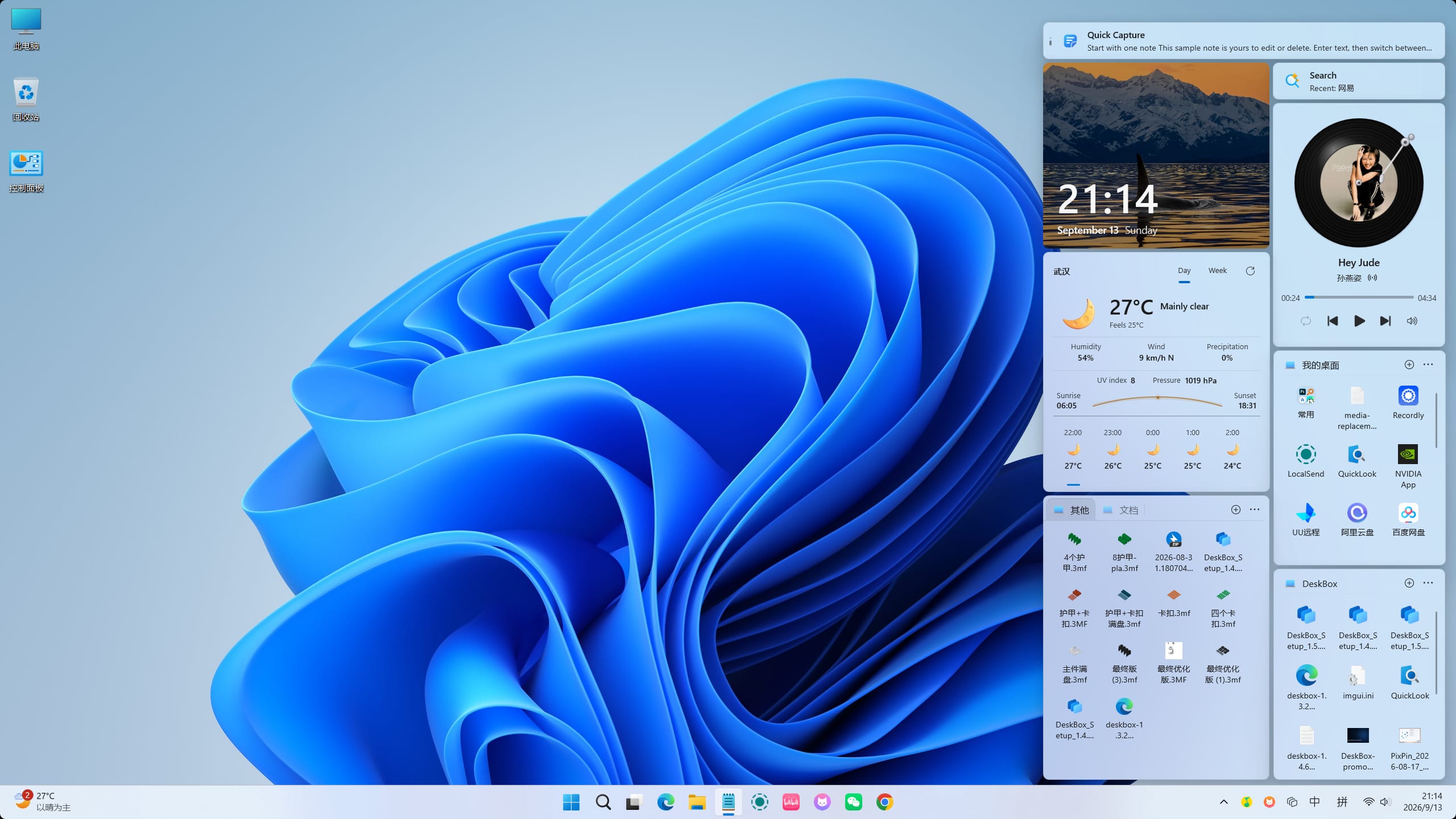
Built with WinUI 3 and .NET 10, DeskBox puts file organization, folder mapping, stacking, widget groups and desktop organization on your desktop — visible when you need them, without opening another app.
Capsule Mode
Collapses into a capsule when idle, expands in a tap
Any widget can collapse into a compact capsule and expand on hover or click. Frequently used content stays on the desktop without taking up space, and multiple capsules can join a capsule bar that moves as one.
- Collapsed widgets show icon and title, or a key-info summary
- Expand on click, or enable hover-to-expand
- Expansion direction adapts to where the capsule sits
Version 1.5.0
A desktop organizer that keeps getting better
DeskBox v1.5.0: Feature and reliability update: automatic data snapshots, a redesigned Organize Desktop with Public Desktop support, in-widget folder-shortcut navigation, high-resolution Shell icons, per-widget text sizes, and lower memory use; Direct builds are now Full Native AOT with a matching Windows App Runtime.
Read the latest changelogAutomatic data snapshots
Backups now run on a configurable schedule (every 5 minutes to every 5 days) with 3–30 retained snapshots and an optional custom directory that falls back safely with a notification when unavailable.
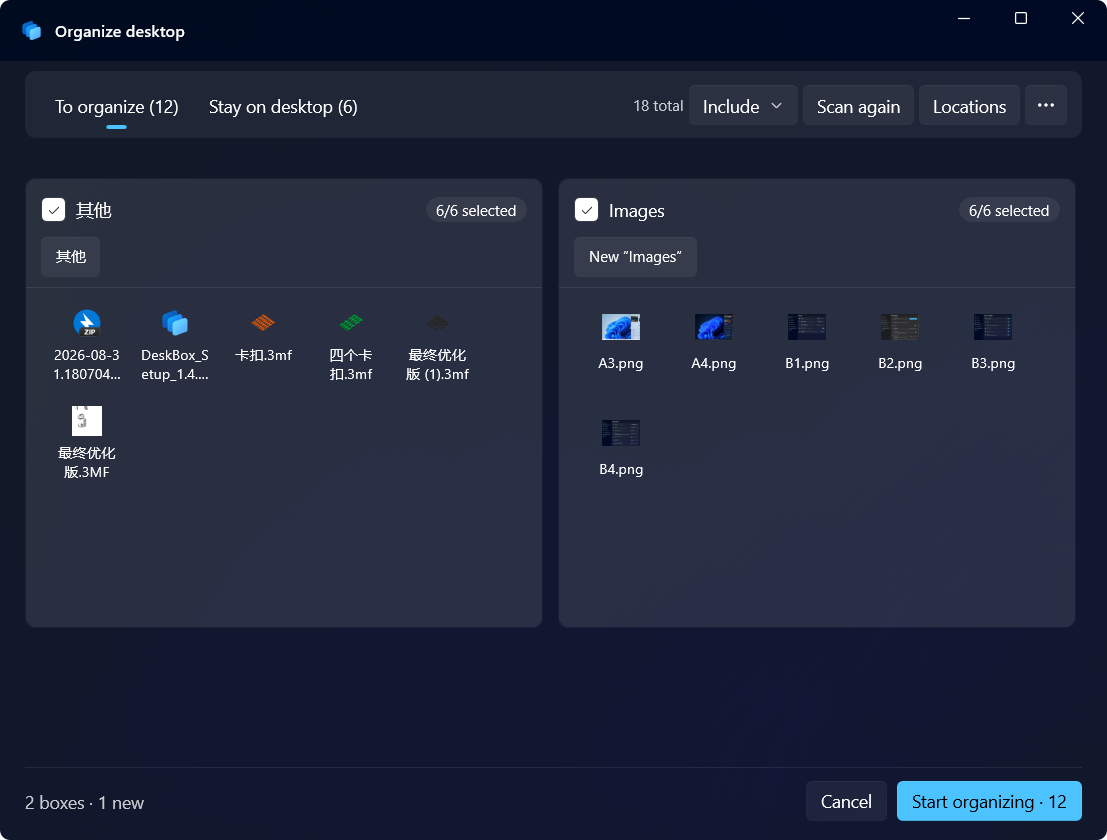
Redesigned Organize Desktop with Public Desktop support
A desktop preview card with clear per-file selection, re-scans that keep your choices, resumable interrupted operations, and an optional shared Public Desktop source.
Folder shortcuts navigate in place
A `.lnk` pointing inside the widget's own tree opens inside the file widget instead of File Explorer.
Sharper, correct icons
Files, folders, and `desktop.ini` custom icons use 256-px Shell icons with overlays; `.url` icons (including Steam covers) resolve through the Shell.
Widgets
File organization is the core of DeskBox
Collect, map, stack, group and organize — everything file organization needs, in the place you already look at all day.
Native First
Designed to feel like it belongs on Windows
DeskBox prioritizes WinUI 3, Windows App SDK and system capabilities. When a native control is enough, it avoids heavy third-party layers.
FAQ
Things you may want to know
No. It adds file, todo, quick capture and music widgets above the native desktop. Your files remain normal files, and Windows remains Windows.
Try DeskBox v1.5.0
Windows 11 is recommended. The installer is a Native AOT build with runtimes bundled, so it installs offline.