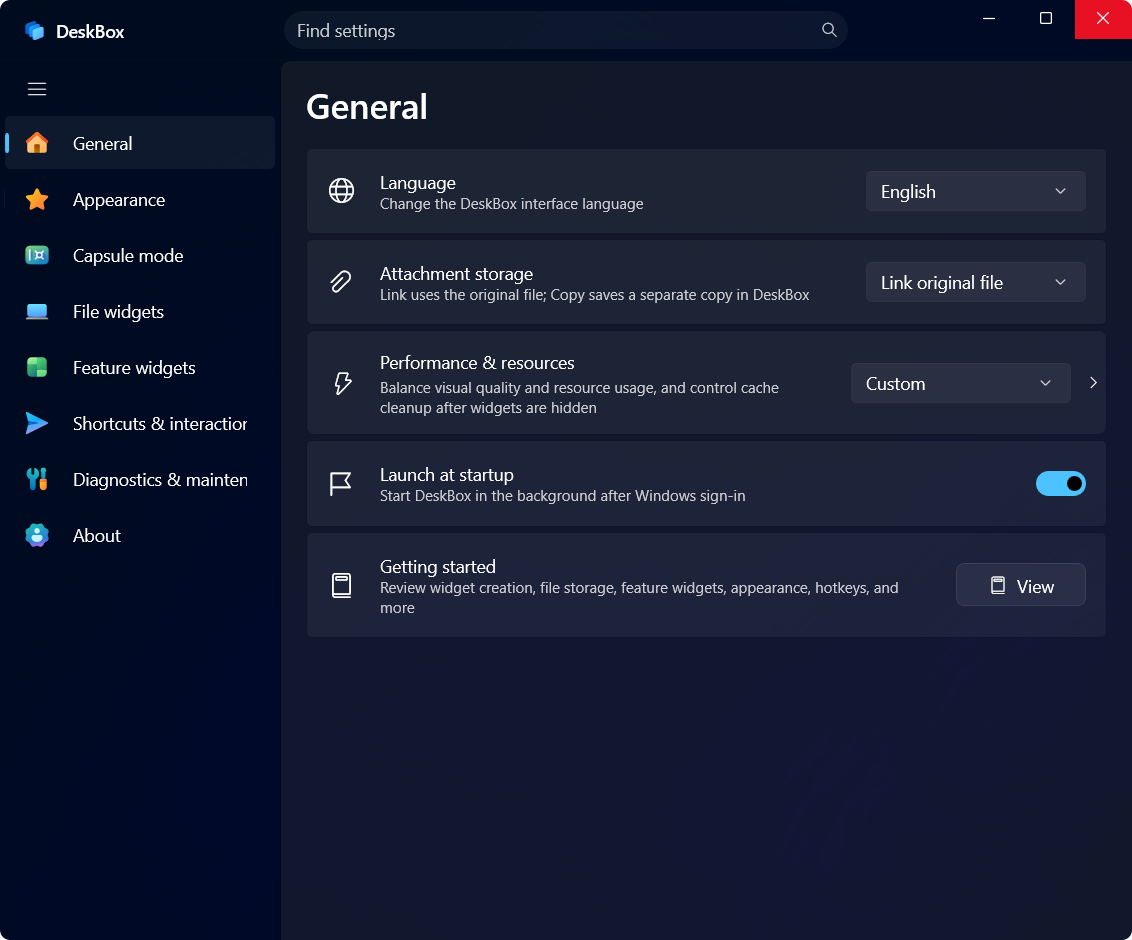
General
Language, startup, onboarding and performance/resource options.
DeskBox Features
DeskBox does not try to turn your desktop into another complex system. It focuses on one thing: keeping desktop files organized — collect, map, stack, group, organize.
Collect widgets are for temporary desktop files, while folder mapping lets existing directories stay visible on the desktop. DeskBox keeps native Windows file behavior for drag, rename, delete, open and Explorer location.
Similar files stack automatically; merge widgets into groups and switch members with the title wheel or Ctrl+Tab.
Organize Desktop previews every file for per-file selection, keeps selections across re-scans and supports resumable runs; the shared Public Desktop can be included.
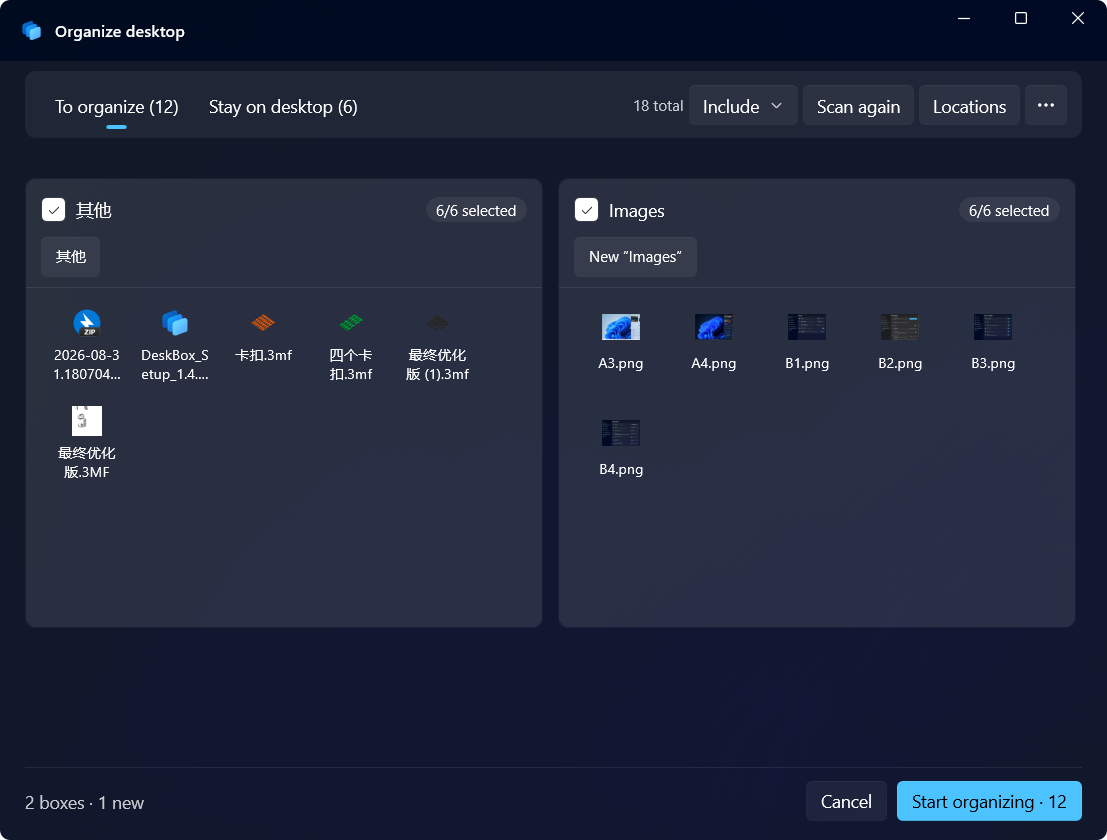
Settings now span General (with performance and resources), Appearance, Capsule mode, File widgets, Feature widgets and Shortcuts sections, created on demand and searchable throughout.
Language, startup, onboarding and performance/resource options.
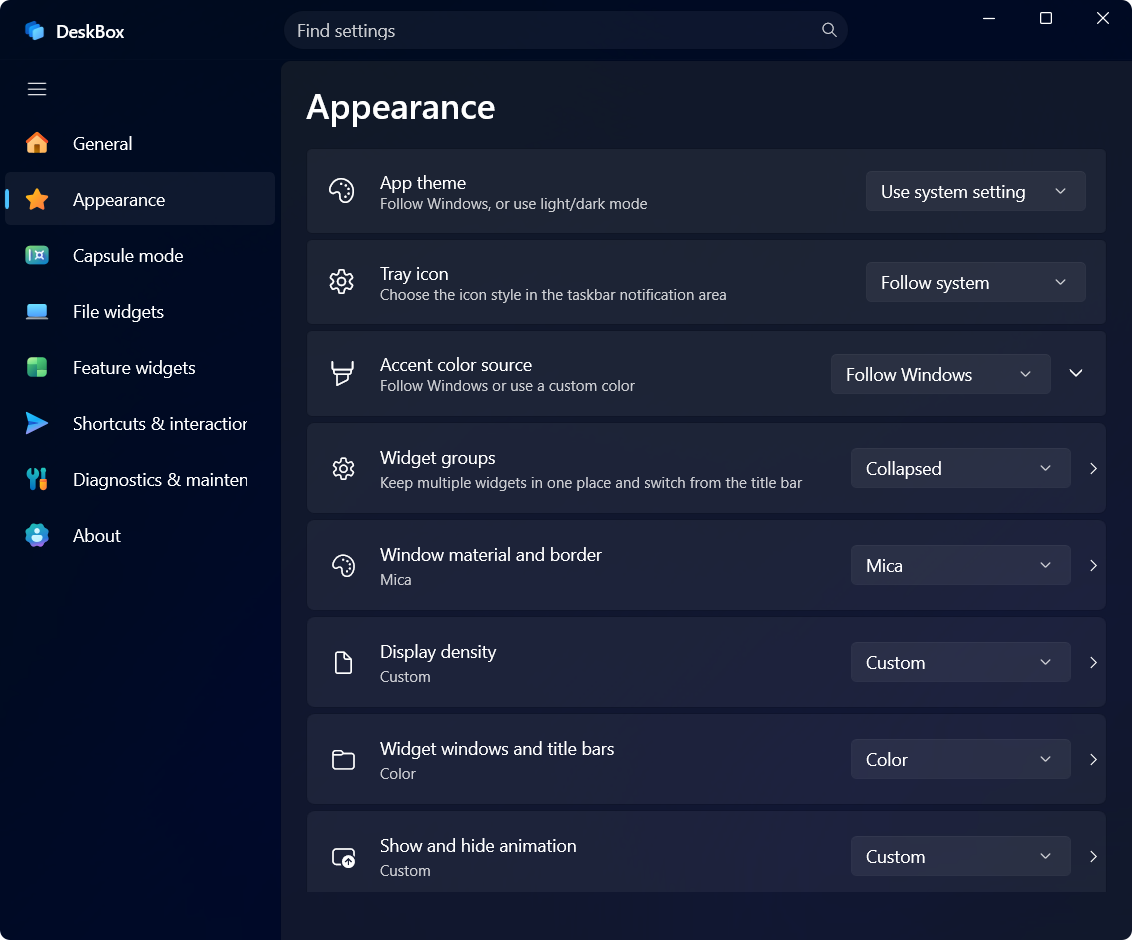
Opacity, text size, title style, corner radius, theme and animations.
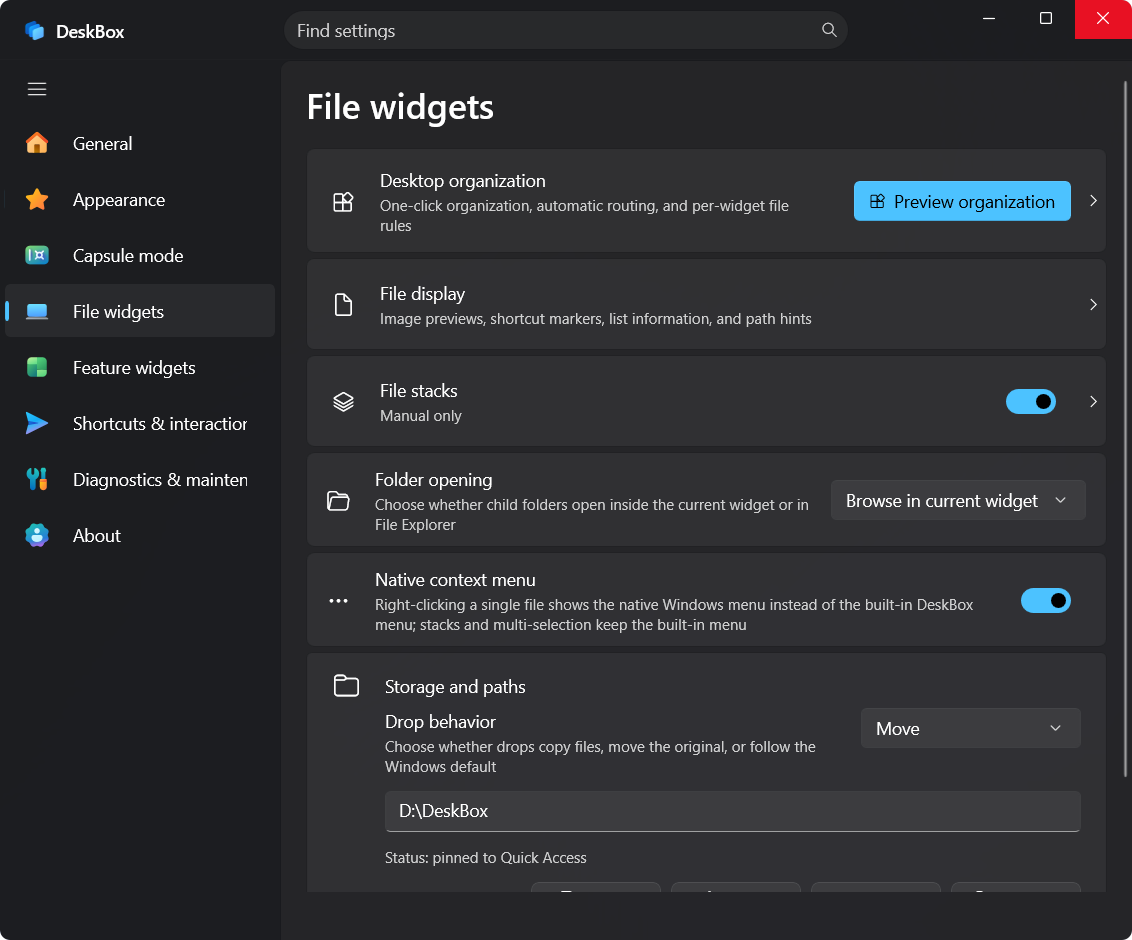
Default storage path, file display, shortcut arrows and list details.
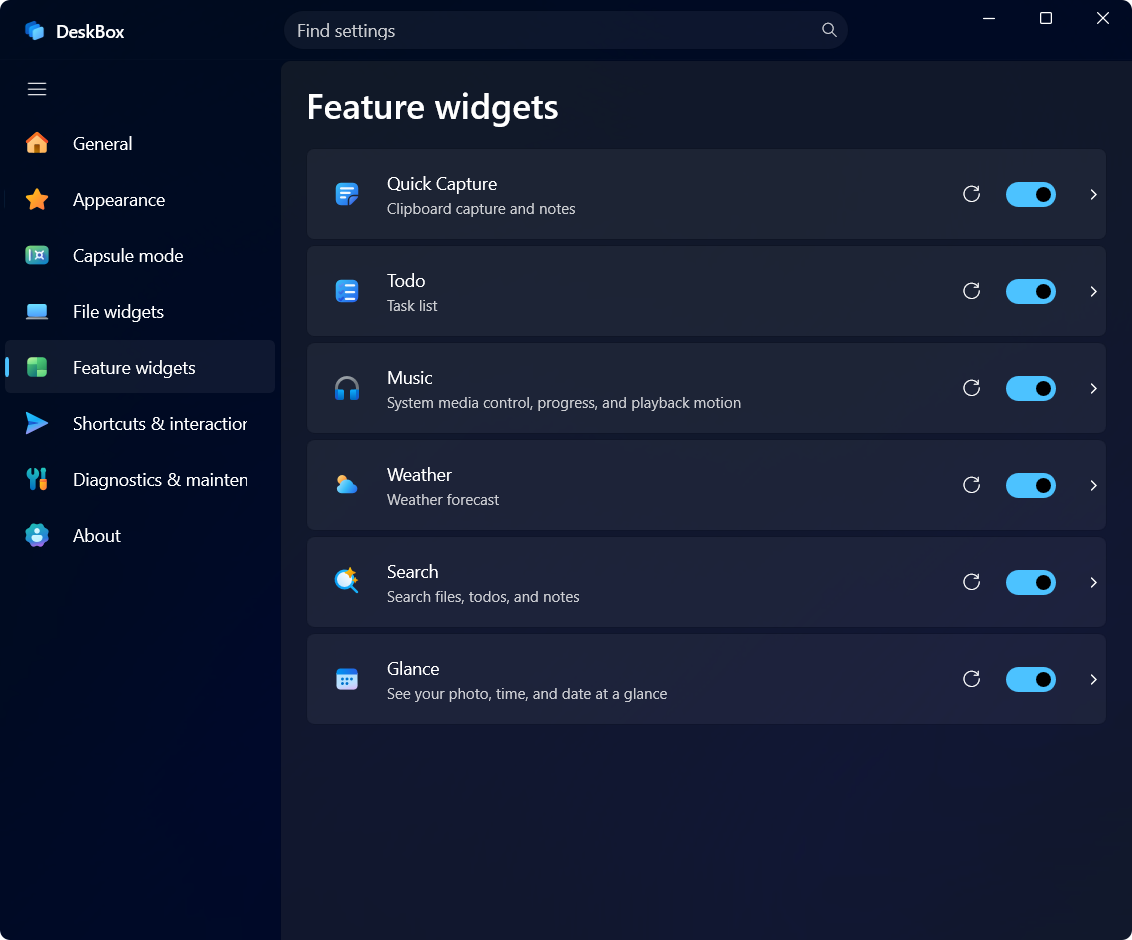
Switches and display options for todo, quick capture, music and other content widgets.
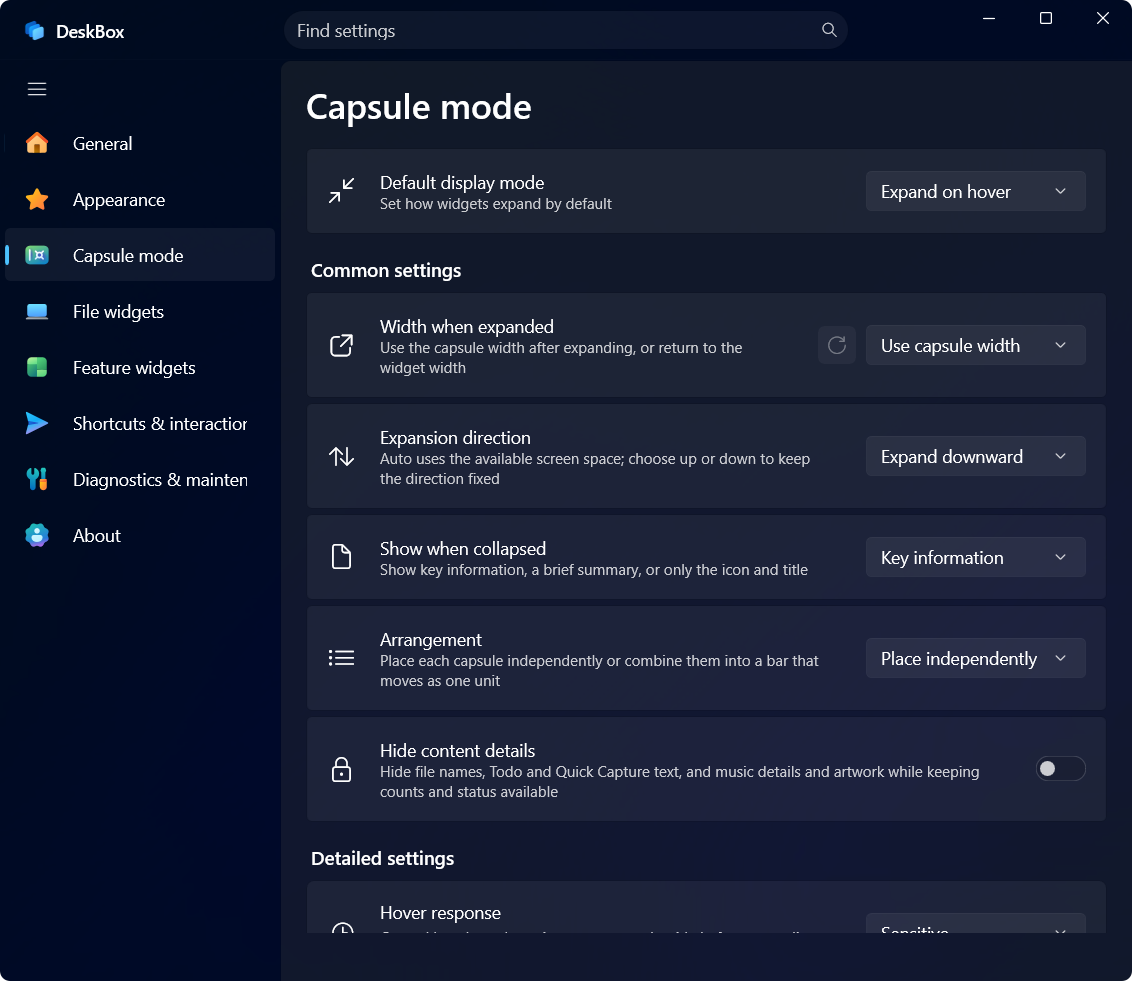
Collapsed style, collapsed content, hover-to-expand and other capsule behaviors.
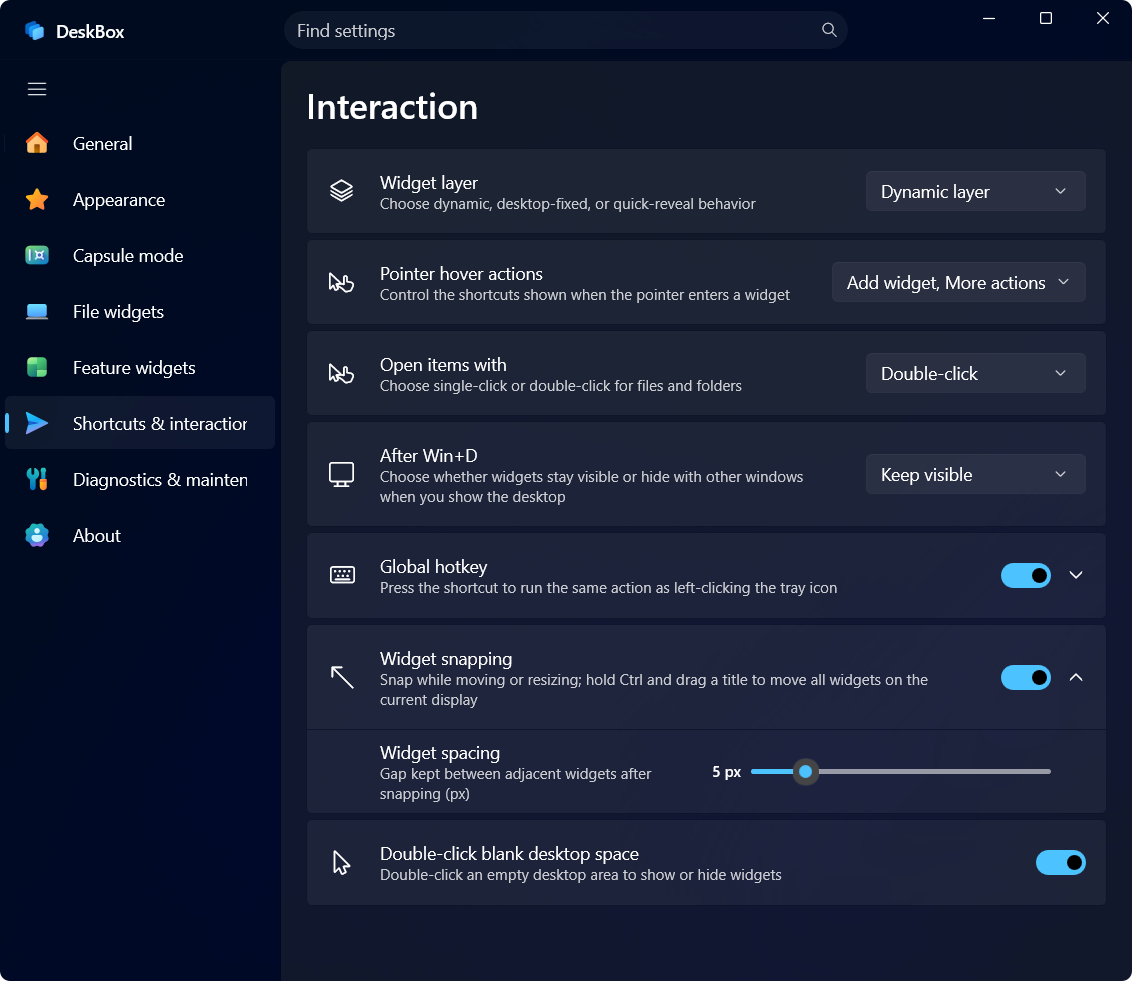
Global hotkeys, widget layers, Win+D behavior and interaction details.
Prioritize WinUI 3, Windows App SDK and system capabilities while reducing unnecessary third-party dependencies.
Files, widget settings and caches stay on your device without assuming cloud sync.
More widgets can arrive, but every widget should solve a clear desktop scenario.
Keep background resource usage controlled so DeskBox becomes a desktop layer, not another burden.
Windows 11 is recommended. Windows 10 degrades some materials and animations gracefully; core features are validated against the compatibility baseline.