Almost everything about how DeskBox looks lives in Settings → Appearance: light/dark themes, Mica or Acrylic background materials, transparency, corner radius, borders and the accent color. Changes apply live and are reversible at any time.
Related settings
Follow Windows, or pin light/dark mode.
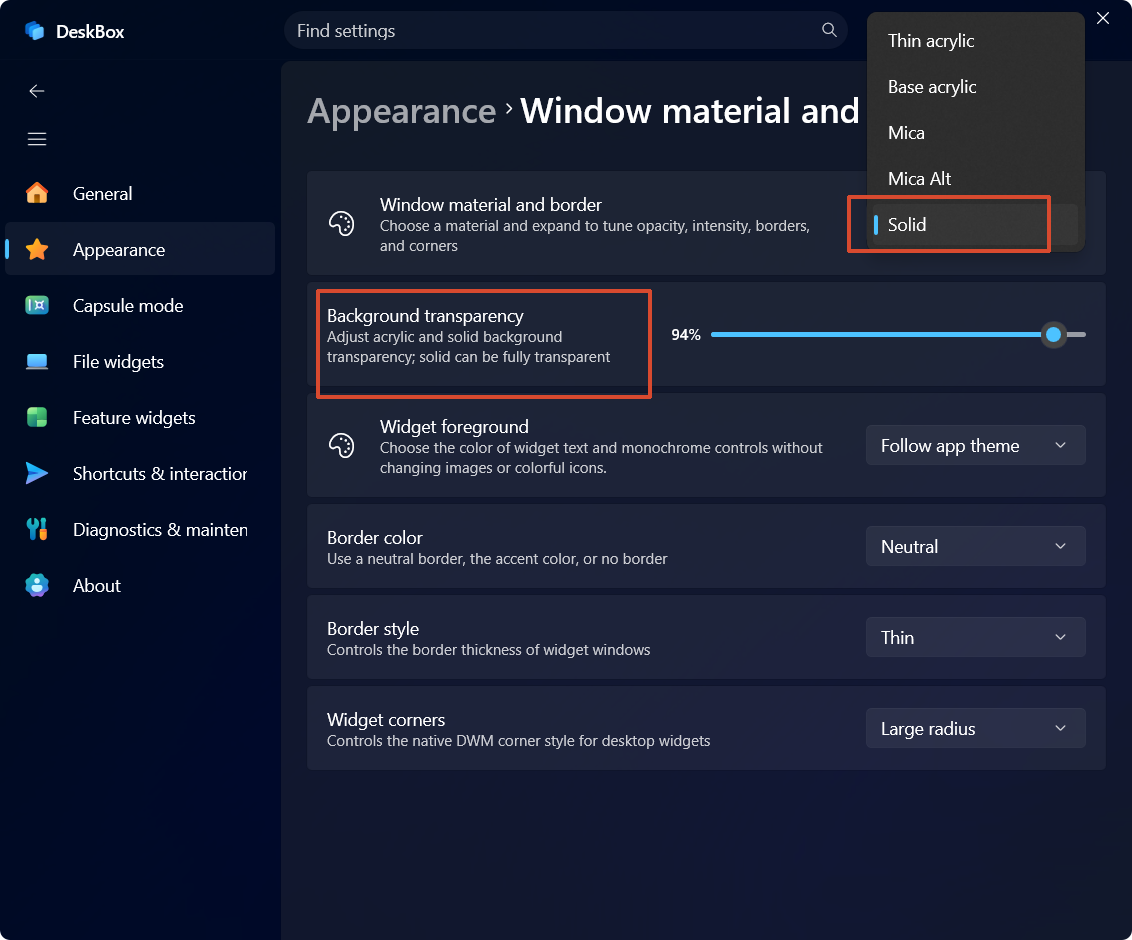
Choose the backdrop material for widget windows (Mica, Acrylic and more).
Adjust native material tint and depth without changing window transparency.
Adjust acrylic and solid background transparency; solid can be fully transparent.
Controls the corner style of desktop widgets.
Border thickness; use a neutral border, the accent color, or no border.
Pick a custom accent color, or follow the current Windows accent.
Color for widget text and monochrome controls; does not affect images or colorful icons.
Compatibility options for degraded materials on Windows 10.
More in this category
Didn't find an answer? Ask or suggest on the feedback wall