- Before switching PCs, reinstalling or taking a major upgrade, export a backup in Settings → Data & backup (an integrity-checked ZIP).
- To restore, pick the backup file, review the preview, then "Restore and restart"; if a restore fails, your current data is unchanged.
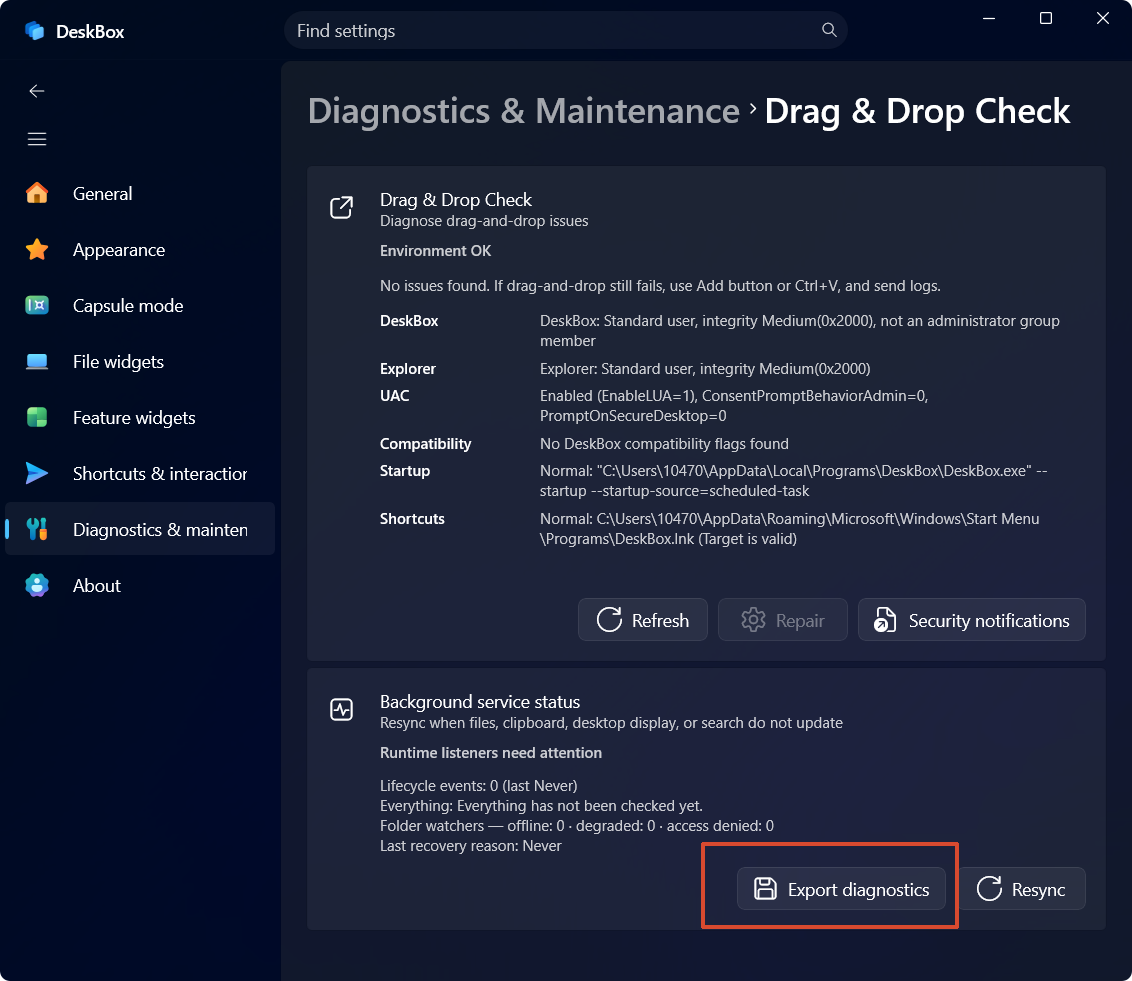
- If something breaks, export the privacy-filtered diagnostics bundle and attach it to your feedback.
设置路径SettingsData & backup
Backups include settings, widget configuration and attachments — not the files inside file widgets. Thumbnail caches are excluded by default.
More in this category
How do I configure automatic snapshots?Manual backup, restore and diagnosticsWhere is my data stored? Is it uploaded?
Didn't find an answer? Ask or suggest on the feedback wall