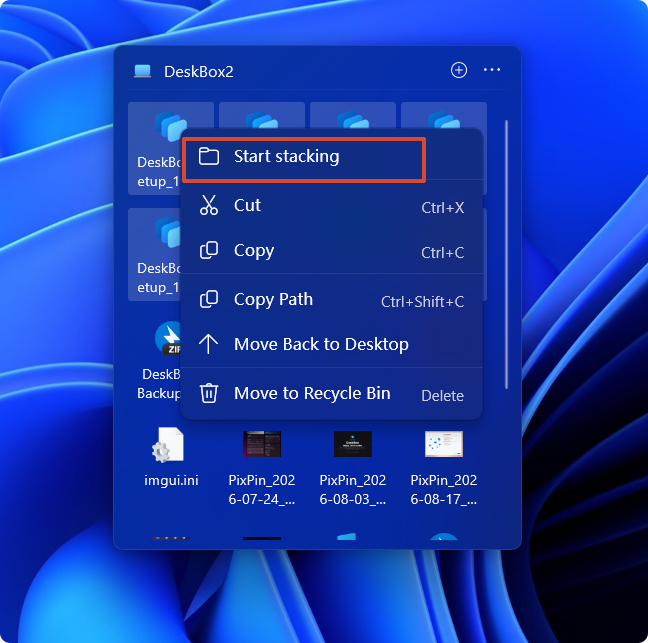
Stacking compresses groups of similar files into expandable stacks, keeping the widget tidy while everything stays reachable. Manual stacks are preserved separately, and stacking never moves the actual files.
- Turn on "Stacking" in the widget settings and pick an auto-grouping rule (by type, etc.).
- Drag files onto a stack, or move a whole stack back into the widget.
- Click a stack to expand it inline, or open it in a popover.
Related settings
Master switch; turning it off hides all stack displays.
Files form stacks automatically using the selected rules; manual stacking still works when off.
Choose how files are automatically assigned to stacks.
Create a stack only after a category reaches this many files.
Expand a stack inline in the layout, or in a dedicated popover panel.
Grid shape of the popover and its backdrop (widget material or neutral acrylic).
How members are arranged when a stack expands.
Custom rules run top to bottom, one rule per file; decide separately how unmatched files are shown.
More in this category
Didn't find an answer? Ask or suggest on the feedback wall